
The screenshot that comes back blank
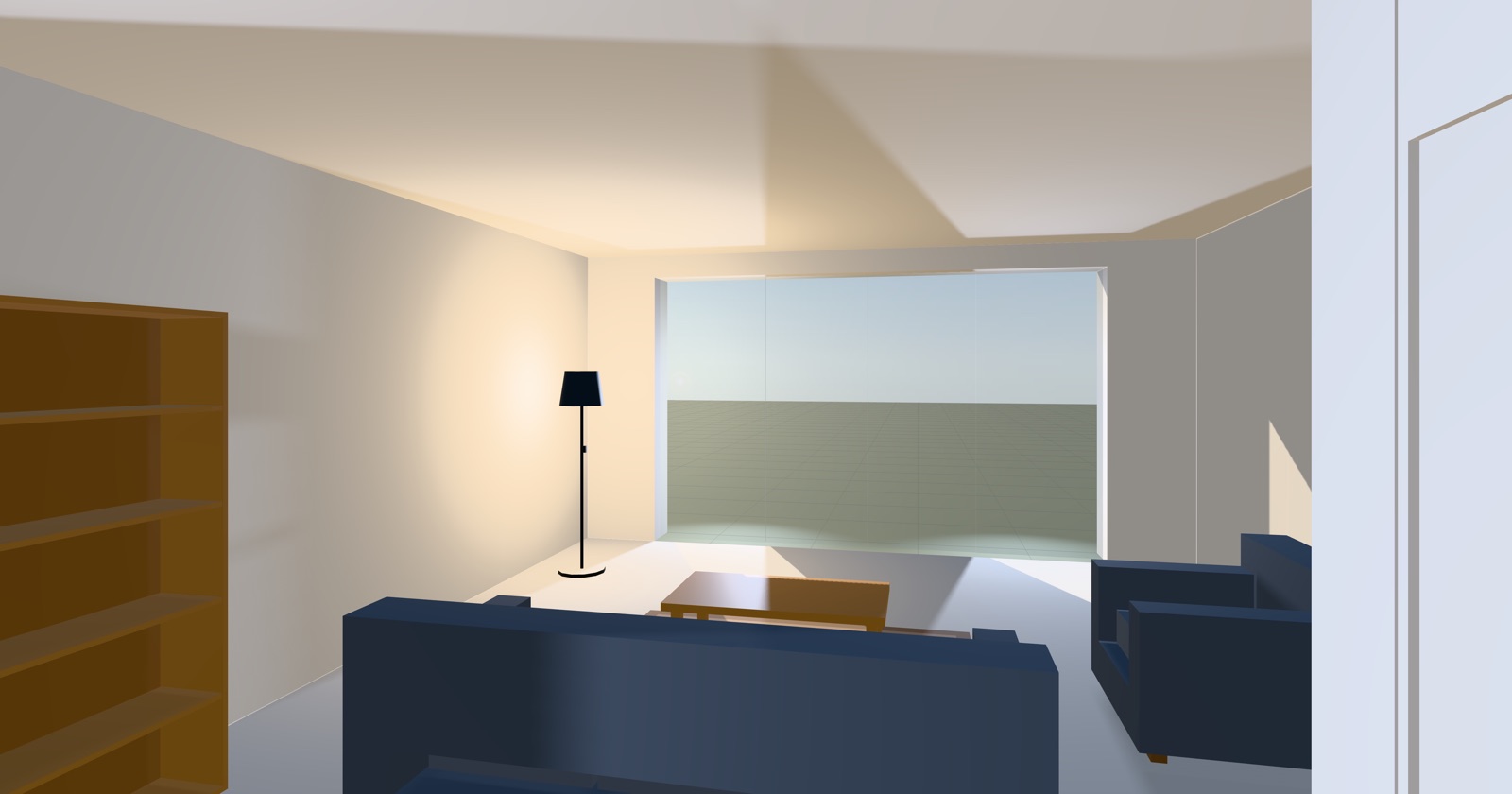
The picture at the top of this page was taken by the application it is a picture of. You press P in Duimstok and the room you are standing in lands in a gallery you can download from. It is a small feature. Getting it right meant disagreeing with essentially every answer on the internet.
Search for why a WebGL screenshot comes back blank and you will find one
recommendation, repeated everywhere with justified confidence: construct the
renderer with preserveDrawingBuffer: true. It works. Duimstok does not
do it, and the reason is worth ten minutes.
Why canvas.toDataURL returns a blank image
A WebGL drawing buffer is not a persistent image. The specification allows the implementation to throw its contents away as soon as the browser has composited the page, and every real implementation takes that permission, because it means the buffer can be handed straight to the compositor instead of copied.
So this is the shape of the bug. You wire a button to a handler, the handler calls
canvas.toDataURL(), and you get back a transparent or black rectangle
of exactly the right dimensions. Nothing errors. The canvas is fine, the scene is
fine, and the image is empty — because between the frame being drawn and your
handler running, the browser composited, and the pixels you wanted stopped
existing.
The same thing catches people using requestAnimationFrame to "wait
until it has rendered", which reliably waits until just after the wrong moment.
The cost of preserveDrawingBuffer
preserveDrawingBuffer: true tells the implementation it may not
discard the buffer. The pixels are still there whenever you ask, from any task, at
any time. The naive code starts working and stays working.
What it costs is a copy. The compositor can no longer take ownership of the buffer, so the contents have to be preserved somewhere, on every frame, for the whole life of the page. On a full-screen canvas at device pixel ratio 2 that is a multi-megabyte copy sixty times a second.
Duimstok is a first-person walkthrough. It is rendering continuously while you move through a house, and frame time is the budget that decides whether walking feels like walking. Photography is a key someone presses maybe once a minute. Taxing every frame of the shipped application to make one keystroke convenient is a bad exchange rate, and it is invisible in exactly the way that lets it survive review.
The flag is not wrong. It is just priced per frame and paid by everyone, including everyone who never takes a photo.
Reading the frame back in the same task
There is another way to read the buffer, and it follows from the same rule that breaks the naive version. The buffer is invalidated once the browser composites — and the browser cannot composite in the middle of your function. Render and read in one uninterrupted task and the pixels are still there.
This is the whole of takePhoto():
export function takePhoto(world: World, opts: PhotoOptions = {}): Photo {
  const { renderer, scene, camera } = world;
  const canvas = renderer.domElement;

  const savedPosition = camera.position.clone();
  const savedQuaternion = camera.quaternion.clone();
  const savedRatio = renderer.getPixelRatio();
  const size = renderer.getSize(new THREE.Vector2());

  try {
    if (opts.at) aimCamera(camera, opts.at, opts.heading ?? 0);
    else if (opts.heading !== undefined) {
      aimCamera(camera, [camera.position.x, camera.position.y, camera.position.z], opts.heading);
    }

    opts.prepare?.();

    const ratio = supersampleRatio(savedRatio, size, opts.scale ?? 1);
    if (ratio !== savedRatio) {
      renderer.setPixelRatio(ratio);
      // The logical size is unchanged and `updateStyle` is false, so only the
      // drawing buffer grows: the aspect — and therefore the framing — is exactly
      // what was on screen.
      renderer.setSize(size.x, size.y, false);
    }

    renderer.render(scene, camera);
    return {
      dataUrl: canvas.toDataURL('image/png'),
      width: canvas.width,
      height: canvas.height,
    };
  } finally {
    if (renderer.getPixelRatio() !== savedRatio) {
      renderer.setPixelRatio(savedRatio);
      renderer.setSize(size.x, size.y, false);
    }
    camera.position.copy(savedPosition);
    camera.quaternion.copy(savedQuaternion);
    camera.updateMatrixWorld();
    renderer.render(scene, camera);
  }
}
Aim, render, read, put everything back. There is no await anywhere in
it and that is not an oversight — it is the invariant. The camera, the pixel ratio
and the buffer size are all restored in the finally, and an honest
frame is drawn afterwards, so a photo taken mid-walk cannot leave the view parked
or the renderer at four times the size.
What the rule drags along with it
One constraint, several consequences that look arbitrary until you know it.
The conversion to a Blob is done by hand, decoding the data URL with
atob, rather than by calling canvas.toBlob().
toBlob is the better API in every respect except the one that matters:
it hands the result back in a callback, and by the time that callback runs the
browser may have composited and thrown the buffer away.
Nothing in the path is asynchronous, all the way down. Any await
introduced anywhere between the render and the read will produce a blank image, and
it will do it intermittently, because whether the compositor got a turn depends on
timing you do not control.
And a photo taken one tick later comes back empty. That failure reads as "capture is broken" rather than as "capture was moved out of its task", which is why the rule is written at the top of the file rather than left to be inferred from the absence of a flag. An absent flag looks like an oversight. Someone will eventually add it to fix a bug that is really a refactor.
Supersampling, and the 8192-pixel ceiling
Since the render is happening anyway, it may as well happen larger. Passing a
scale raises the renderer's pixel ratio for that one frame, so only the
drawing buffer grows. The logical size is unchanged and updateStyle is
false, which means the aspect ratio — and therefore the framing — is exactly what
was on screen. A 1600-pixel-wide window at device pixel ratio 2 and
scale: 2 produces a 6400-pixel frame.
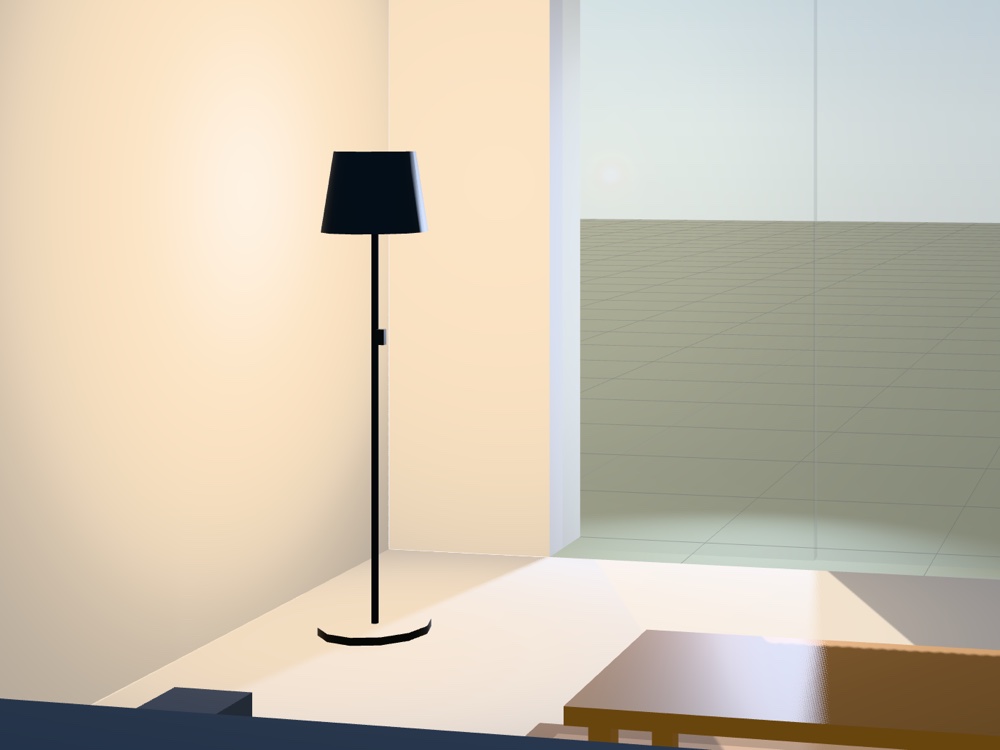
The clamp matters more than the feature. A capture larger than the GL implementation's maximum renderbuffer does not throw — it silently produces a black or truncated frame. So the scale is clamped to 3×, and the resulting buffer is clamped again against 8192 pixels on the longest side, which is the size every WebGL2 implementation is required to support. A limit you discover by getting a black image back is not a limit, it is a trap.
Why captures are never saved to localStorage
Photos live in an in-memory gallery. They do not survive a reload, the panel says so on every visit, and Download is the only way one outlives the tab.
The obvious place to put them is localStorage, next to the layout
autosave that is already there. It is the wrong place twice over. A single
2500×1500 PNG is larger than the whole ~5 MB origin quota on its own, so the first
photo would throw. Worse, depending on the browser, the pressure of that write can
evict what is already stored — which here is the furniture you spent twenty minutes
arranging.
A photo gallery that survives reload is a nice feature. A photo gallery that silently deletes the thing the application is for is not a trade anyone would take if it were written down, which is the argument for writing it down. The gallery caps itself and revokes the object URLs it evicts, and when someone eventually asks for persistence the answer is IndexedDB, whose per-origin quota is measured in hundreds of megabytes.
Recording video, and the Safari problem
Video is MediaRecorder over canvas.captureStream(), which
is a much easier problem than the still — the stream pulls frames itself and the
same-task rule does not apply.
The container and codec are negotiated at record time rather than assumed, best
first: VP9, then VP8, then bare WebM for a browser that supports the container but
will not commit to a codec, then MP4. That last entry is Safari, which records
H.264 and nothing else. The file extension is derived from the recorder's own MIME
type rather than hardcoded, because guessing .webm and writing an MP4
produces a file that some players will open and others will refuse.
One more failure worth naming: a hidden tab draws no frames, so
captureStream hands over nothing and you get a zero-byte file. That is
easy to hit from a script, since driving a browser usually means not looking at it.
Duimstok checks and says "the page was hidden, so the canvas drew no frames" rather
than writing an empty file and calling it a clip.
When to just set the flag
Set preserveDrawingBuffer: true and stop reading. It is the right
answer whenever the per-frame copy is not a real cost: a scene that renders on
demand rather than continuously, a small canvas, a page that is not competing for
frame time with anything. It is also the right answer when captures have to be
taken from code you do not control, or from a callback you cannot make synchronous,
because the same-task rule is a constraint on every future caller and not just on
the one you are writing now.
The same-task read is worth it when you are rendering continuously, when frame time is the budget that decides how the product feels, and when captures are rare. Those three things are true of a walkthrough and false of a great many other WebGL applications.
What generalises is neither of the two answers. It is that the well-known fix to a problem is often a global setting paying for a local convenience, and the price is usually quoted per frame while the benefit is quoted per keystroke. Worth checking which one you are buying.